For children
Trace familiar shapes, follow numbered dots and discover flags. Start with an easy outline, then celebrate that first finished glow.
Try this: Pick an animal. Name its shapes. Choose its colors.
A CHRISTMAS GIFT FOR THEIR IMAGINATION.
Their next masterpiece starts with a spark.
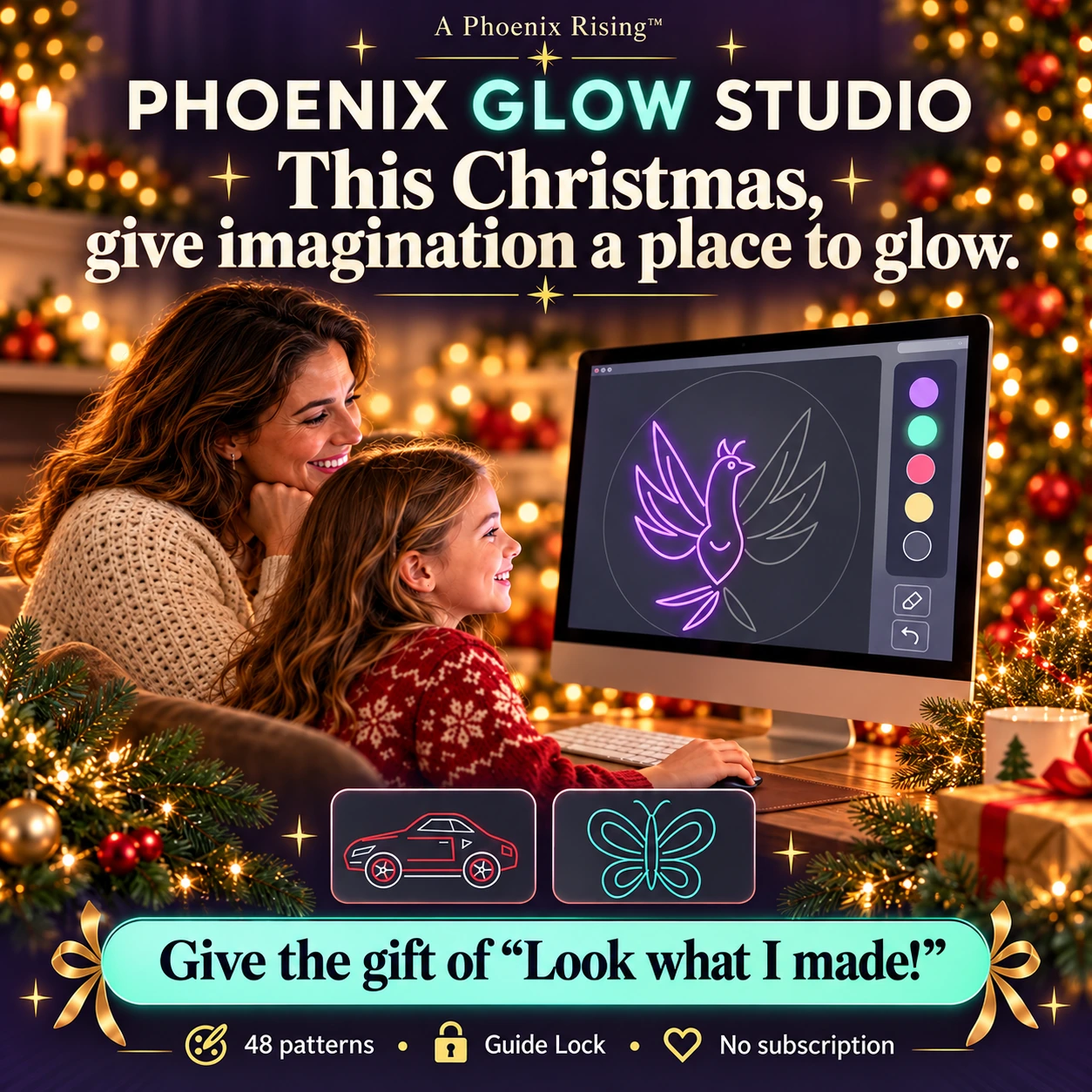
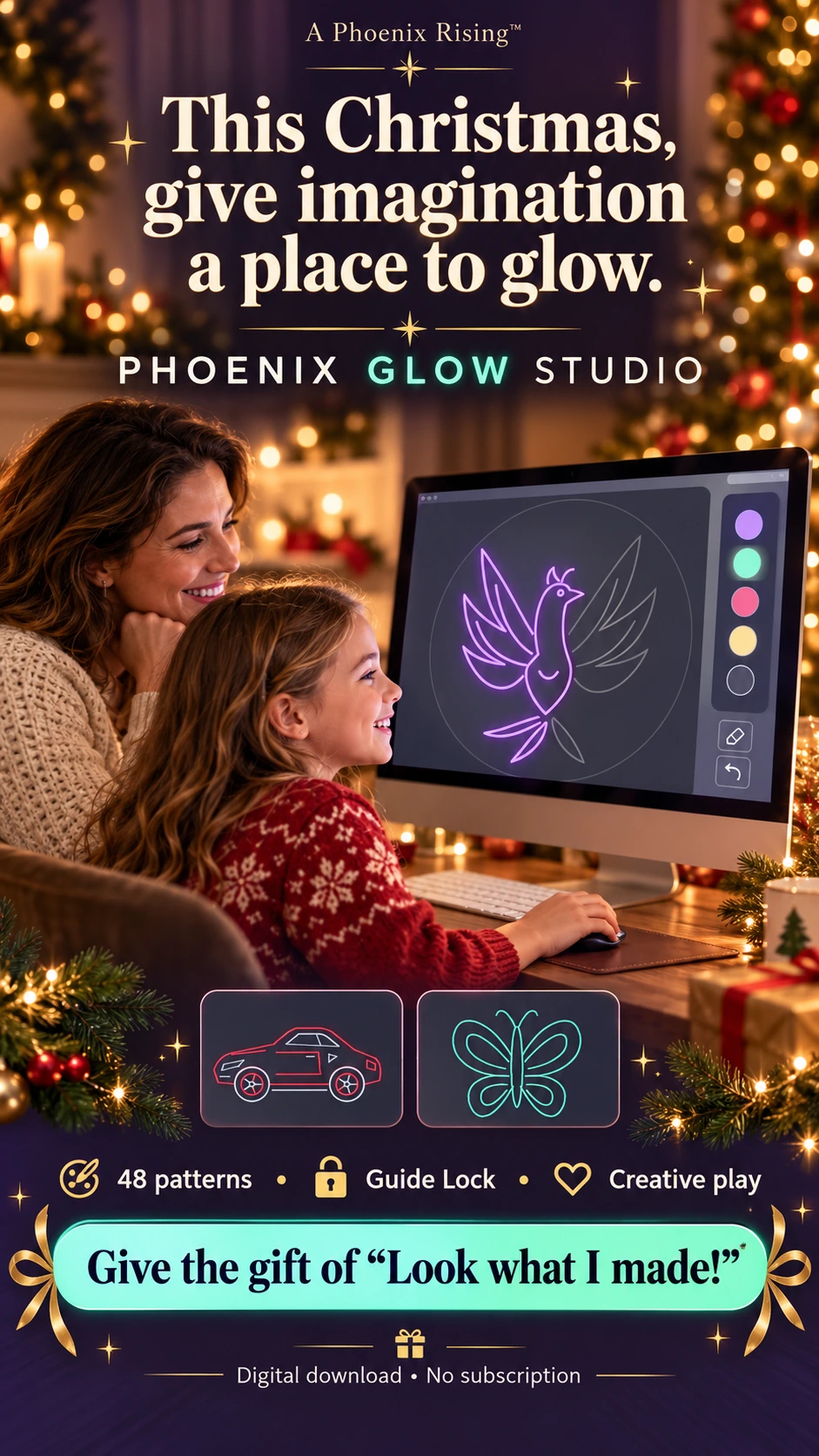
Let them say, “Look what I made!”
Explore 48 patterns, connect the dots, trace your favorites or create something entirely your own. Creative play and opportunities to learn together—for children, teens and the whole family.
One glowing board. A world of imagination.
MORE LITTLE MOMENTS OF “I MADE THAT.”
From their first glowing shape to an intricate phoenix, there is a starting point for curious children, creative teens and family turns.
$11.49 once. No subscription. HTML game + four-page PDF guide.
Digital download; no physical drawing board is included.
YOUR BOARD. YOUR WAY.
Start with a guide, follow a trail of dots, or let your imagination lead. There’s more than one way to find your glow.
Finished outlines use the same pattern coordinates as the tool. This is a preview, not the full drawing board.
Choose a pattern, then hold and drag near its faint lines. Guide Lock follows the exact outline, keeping straight edges straight and curved designs smooth. Lift to begin another part.
SOMETHING FOR EVERY “WHAT IF?”
40 original outlines + 8 curved designs. Animals, fantasy, vehicles, nature, favorites and beginner flag patterns—with search and filters inside the tool.
Select a card to change the preview above. These are actual included outlines, shown as finished examples.
















































DIFFERENT AGES. SHARED IMAGINATION.
Trace familiar shapes, follow numbered dots and discover flags. Start with an easy outline, then celebrate that first finished glow.
Try this: Pick an animal. Name its shapes. Choose its colors.
Explore symmetry, experiment with colors and create original glowing artwork. Free Draw has mirror effects, pattern repeats and rainbow color.
Try this: Build a symmetrical design, then remix its colors.
Take turns choosing patterns, compare creations and discover something together. Make a little space for “your turn” and “show me how.”
Try this: Everyone chooses a pattern. Save your creations for a family gallery.
Family play means taking turns on one device. Phoenix Glow Studio does not include simultaneous multiplayer or a shared online gallery.
A LITTLE MARK WORTH KEEPING
Finish a picture? Save it as a PNG to enjoy or print. Want to come back later? An editable JSON backup keeps your strokes, pattern and dot progress.
Explore your Glow StudioMade by imagination.YOUR NEXT CREATIVE MOMENT STARTS HERE
One downloadable studio. Four ways to play.
For quiet creative time, curious minds and family turns.
PHOENIX GLOW STUDIO
One-time purchase.
No subscription.
Digital download · ZIP package
Open the HTML tool in your browser.
A LITTLE CLARITY BEFORE YOU CREATE
Here’s what’s inside—and how to get glowing.
A ZIP package containing Phoenix-Glow-Studio.html and a four-page How to Play PDF. Extract the ZIP, read the guide and open Phoenix-Glow-Studio.html in a compatible browser. All 48 patterns are built into the game.
Yes. Hold the mouse button and drag on a computer, or use a finger or stylus on a touchscreen. Finger painting requires a phone, tablet, touchscreen laptop or touchscreen monitor. A standard monitor will not detect your finger.
In Trace & Glow, Guide Lock starts ON when you choose any pattern, including Detailed designs. It follows the actual outline while you drag nearby and pauses if you stray too far. Lift to begin a separate part. Connect & Reveal joins numbered dots along the exact pattern. Free Draw and Guide Lock OFF follow your movements, including wobbles.
There are different ways to enjoy it: children can trace shapes and follow dots, while teenagers can explore symmetry, color and original artwork. Families can take turns on one device. Younger children may need a grown-up to help choose a pattern or save a file. No specific learning outcome is guaranteed.
No. Family play means taking turns on a device, choosing challenges and comparing saved pictures. There is no simultaneous multiplayer, chat or shared online gallery.
Save picture downloads your glowing artwork as a PNG, without the faint guide or dot numbers. You can print that PNG using your device’s normal print options. Editable JSON backups let you restore strokes, the selected pattern and dot progress. This is a digital creative tool, not a separate printable workbook.
The tool saves in the current browser when storage is available. This is not cloud storage and does not automatically move between devices. Use Back up drawing to keep an editable copy, and Save picture for a PNG. Clearing browser data or moving the HTML file can affect local saves.
The tool has no accounts, ads, chat or external links. After downloading and extracting it, the HTML tool contains its own code and patterns and can run offline in a browser. Mobile devices must open the HTML in a browser that allows scripts; a file preview or an in-app viewer may not run it.
Each pattern includes a short fact or creative observation and color suggestions. Use these as conversation starters about shapes, colors, symmetry and flags. Complex flag emblems and details are simplified; these are beginner tracing designs, not official flag reproductions.
Rising to who you are Becoming.